Bring registration, your event identity and the arrival operation into one brief. Compare branding entitlements, app publishing, equipment configuration and the team delivering your event.
Eventrize vs Accelevents: compare the proposed setup.
Both platforms support registration, check-in, apps and onsite services. The useful comparison is what your selected package includes and how the equipment and delivery are configured.
Options depend on the selected plan and service scope.
Swipe to compare both platforms
Eventrize vs Accelevents: compare the proposed setup.
Agree preparation, staff roles, training, escalation and teardown in the event proposal.
Professional services include onsite event technology support and platform setup assistance. [2]
Your event brief
Build the brief around the people and stations.
Bring a real event scenario and review these steps with the team.
01
Define the brand surfaces
List the domain, email sender, app identity and store publishing requirements.
02
Configure the arrival stations
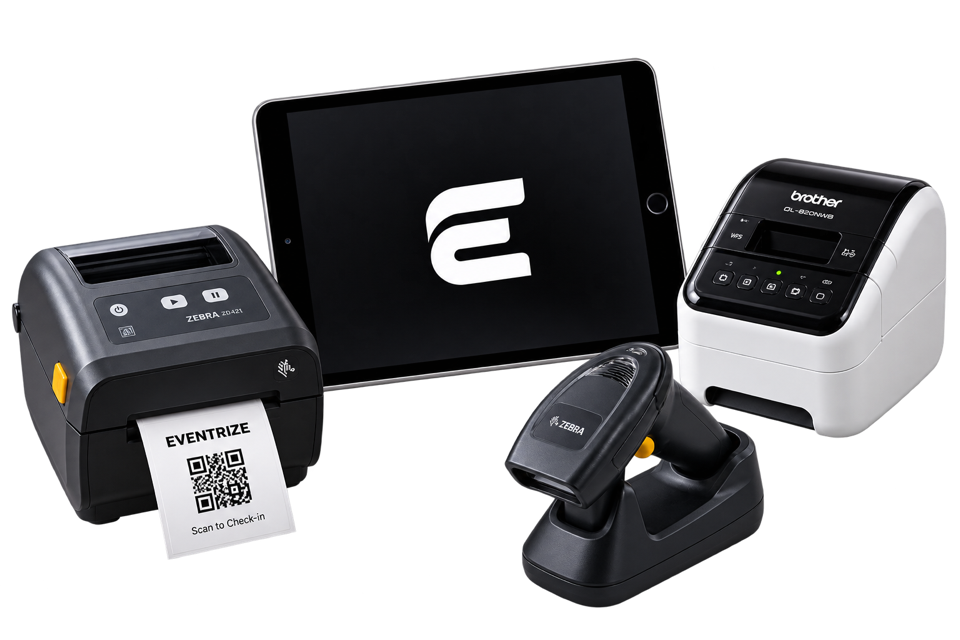
Match printers, stock, kiosks and assisted desks to the arrival window and badge format.
03
Rehearse the handover
Test QR scanning, attendee search, reprints and network recovery. Agree who resolves exceptions.
Demonstrate your own scenario. A shared capability is not an exclusive advantage.
From the first registration
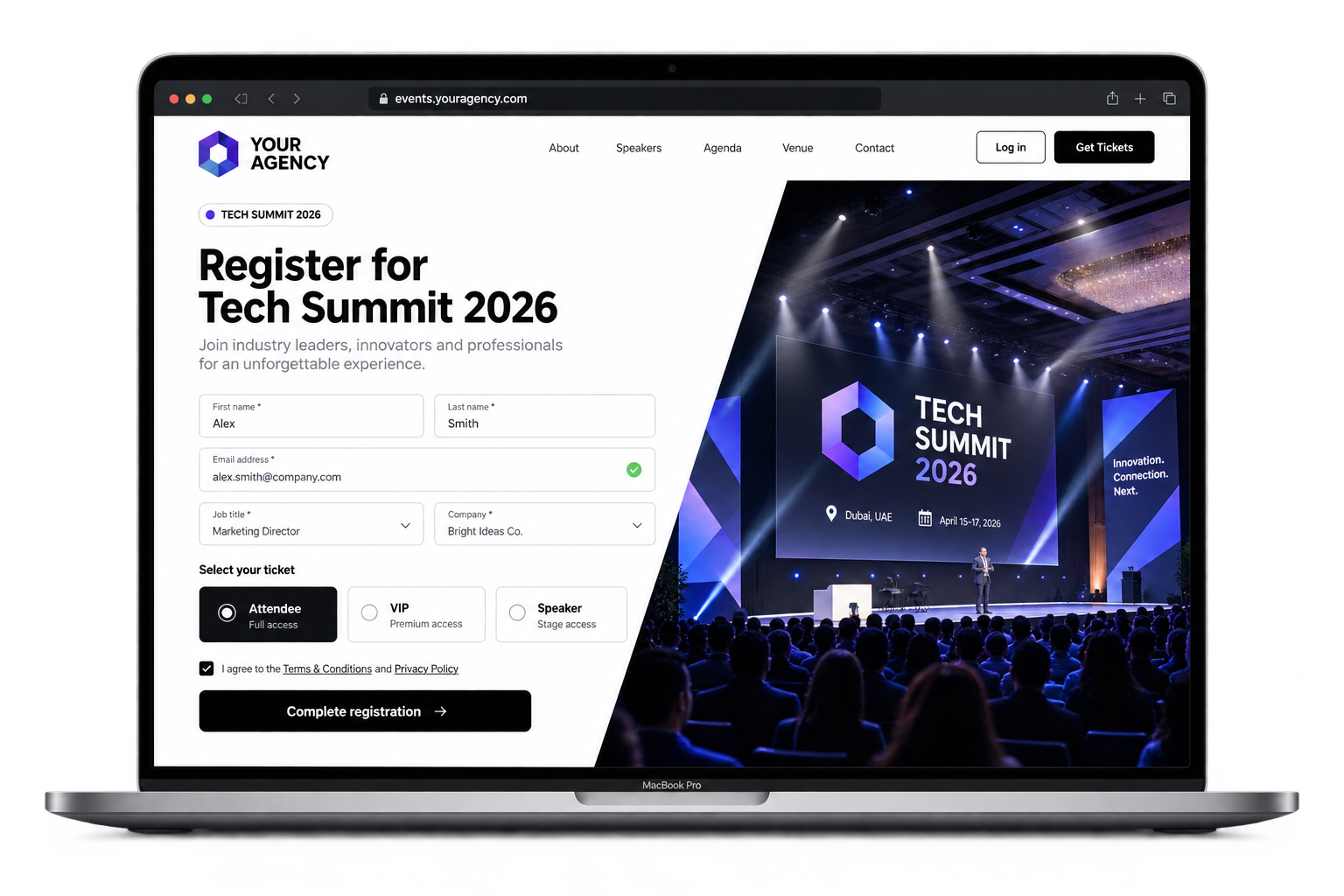
Make the registration journey look like your event.
Use your event domain, colors and logo. Follow each registration with branded email and WhatsApp confirmations, so the experience carries your identity before attendees arrive.
Custom event domain and registration branding.
Branded email and WhatsApp communications.
Ticketing and check-in connected to the same event.
An attendee with a ready QR code and a walk-in need different paths. Use the demo to test both, then decide which tasks your team keeps and which Eventrize handles.
Build ticket categories and confirmation messages.
Test QR scans, attendee search and badge corrections.
Agree the equipment and trained staff for your venue.
At DECE 2026 in Dubai, three fast QR lanes served prepared attendees with prepared badges. Two assisted lanes handled walk-ins and unresolved cases. Around 1,900 attendees passed through arrival in under two hours. The roughly 15-second figure describes badge handover for a ready attendee, not average queue time or on-demand printing speed.
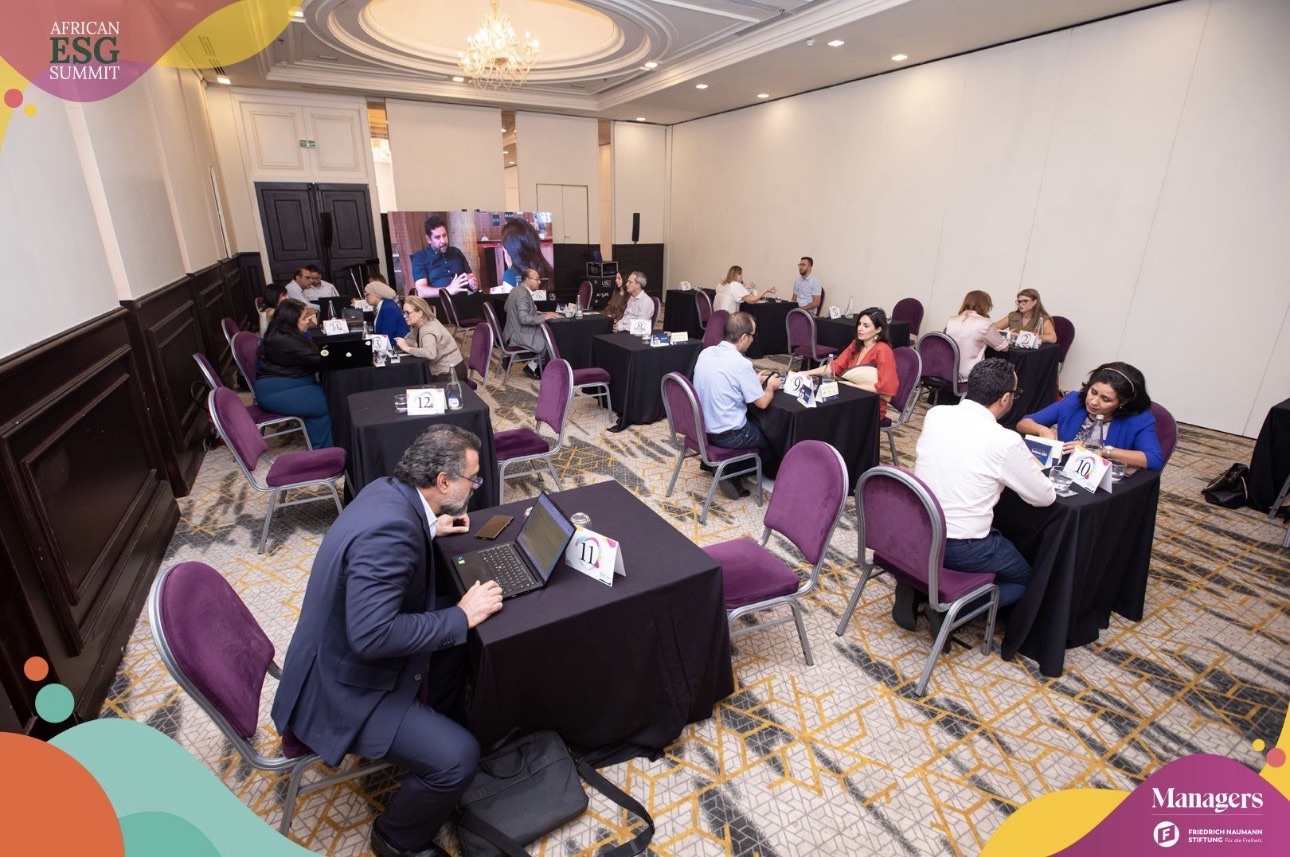
For a conference with a networking programme, the African ESG Summit shows how the app can work alongside registration and access control. More than 150 business meetings took place in one morning; the event managed nearly 500 registrations.
Compare the configuration, not just the software price.
Read the current pricing page, then request the required app, domain, equipment, badge stock and staffing scope. Both platforms offer single-event options. Regional currency, tax, shipping and support must be confirmed in the quote.
Assess attendee exports, consent fields, ticket rules and app publishing before scheduling a switch. Historical chats, payment accounts and integrations are not promised as automatic transfers.
Eventrize fits your brief when
You want to test the complete attendee journey before choosing a package.
Your team needs clear responsibilities for preparation, publishing and event-day delivery.
Prepare the move with the Eventrize team
List the domain, email sender, app identity and store publishing requirements.
Match printers, stock, kiosks and assisted desks to the arrival window and badge format.
Test QR scanning, attendee search, reprints and network recovery. Agree who resolves exceptions.
Yes. Accelevents supports offline event and session check-in with synchronization after reconnection. Its printing requirements are separate: badges cannot print while the app is offline. Offline check-in is not an exclusive Eventrize advantage.
Can Accelevents provide equipment and onsite support?
Yes. Accelevents offers Onsite Kits and professional onsite support. Compare the actual printer, badge stock, kit duration, shipping, setup and staff responsibilities in each proposal.
How should we compare the complete cost?
Read the current pricing page, then request the required app, domain, equipment, badge stock and staffing scope. Both platforms offer single-event options. Regional currency, tax, shipping and support must be confirmed in the quote.
Can we review our existing attendee data?
Yes. Bring a sample export and your consent, ticket and access fields. Agree the mapping and test a small import before launch.
Put Eventrize to the test
Build the brief around the people and stations.
Bring registration, your event identity and the arrival operation into one brief. Compare branding entitlements, app publishing, equipment configuration and the team delivering your event.
We use optional cookies for analytics and advertising. Choose what to allow. The website and demo booking work without them.Optional analytics and ad cookies. Site works without them.Privacy policy