QR Code Event Check-In in the USA: The Complete 2026 Playbook (Fast, Contactless, Reliable)
A practical 2026 guide for US event teams: how to run fast QR code check-in, reduce lines, prevent duplicates, handle VIPs, and stay reliable with offline mode, badge workflows, and day-of checklists.
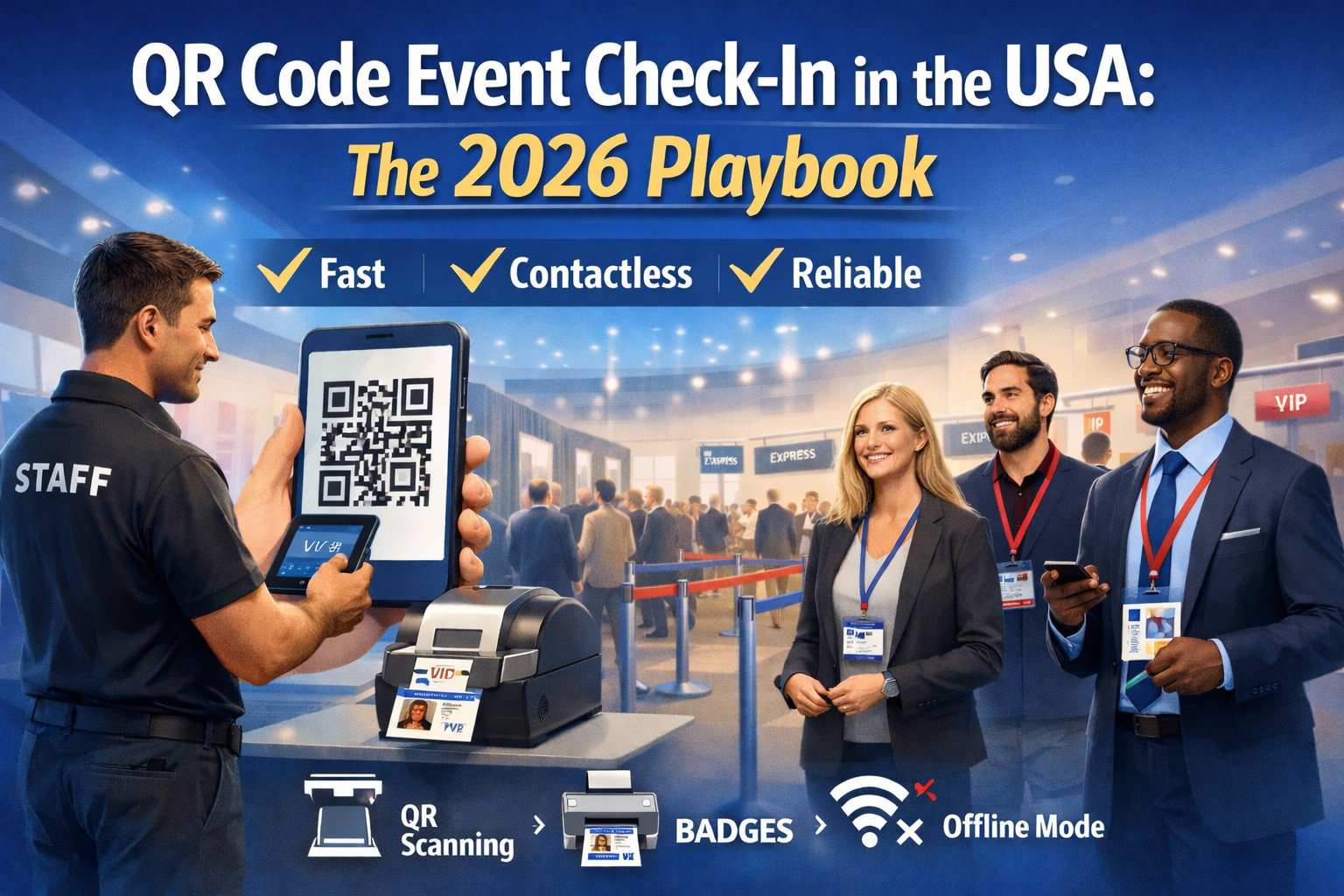
QR Code Event Check-In in the USA: The Complete 2026 Playbook (Fast, Contactless, Reliable)
If your event is in the US, your check-in experience is often the first impression attendees get. When the line is long, your event feels disorganized, no matter how great the content is inside. The simplest way to fix that is a modern QR code check-in flow that’s fast, controlled, and resilient even when Wi-Fi is weak.
This guide is written for US-based event organizers, agencies, and conference teams who want to run smooth check-in using QR codes, without scanning chaos, duplicates, or last-minute surprises.
1) What “QR code check-in” actually means (and why it works)
A QR code check-in system assigns one unique QR code per attendee (usually inside the confirmation email or ticket). At the entrance, staff scan the QR code to instantly:
- verify the attendee
- mark them as checked-in
- prevent duplicate entry
- sync attendance in real time (or later if offline)
Compared to manual name search or printed lists, QR check-in is faster and reduces errors, especially at US conferences where arrival spikes often happen in short windows (morning, lunch, keynote openings).
2) The 4 check-in setups used in the US (pick the right one)
A) Single entrance, simple events (best for 100–500 attendees)
- 1–2 check-in stations
- QR scan + optional badge pickup
- minimal rules (no sessions / no access levels)
B) Multi-lane entrance (best for 500–3,000+)
- multiple scanning lanes
- separate lane for VIP / speakers / staff
- visible signage + queue separators
C) Controlled access events (best for paid tickets, VIP areas, workshops)
- QR scan validates ticket type / access level
- staff can scan again at workshop doors or VIP areas
- prevents “badge sharing” and unauthorized access
D) Badge + scanning combo (best for conferences & expos)
- scan QR → print badge → (optional) scan badge at doors
- strong for sponsor value, lead capture, and analytics
3) What you need (so you don’t scramble the day before)
Must-haves
- A registration list that’s clean (names, emails, ticket types)
- A QR code per attendee (email or ticket)
- A scanning device (mobile phone/tablet or dedicated scanner)
Strongly recommended for US venues
- Offline fallback (weak Wi-Fi happens a lot in ballrooms/expos)
- Duplicate scan protection (prevents re-entry abuse)
- Fast attendee search as backup (if someone forgot their QR)
- A “staff mode” that’s simple (no complex dashboards at the door)
4) The step-by-step setup (do this 3–7 days before the event)
Step 1: Define check-in rules
Decide:
- Is check-in one-time only?
- Do you allow re-entry?
- Do you have VIP/speaker/staff categories?
- Do workshops require separate scanning?
Write these rules down and train staff on them. Most check-in problems are process problems, not tech problems.
Step 2: Make your QR codes impossible to mess up
Your confirmation email should include:
- a large QR code
- attendee name
- event name + date
- a “brightness tip” (small but effective): “Open this QR at full brightness”
Step 3: Prepare lanes and signage
Set up:
- “Have your QR ready” sign before the door
- separate lane signage (General / VIP / Speakers / Help Desk)
- a Help Desk station (for name corrections, transfers, missing tickets)
Step 4: Test like a real event
Do a 20-minute simulation:
- scan 10–20 sample codes
- test duplicate scans
- test “no internet” mode
- test search + manual check-in fallback
- confirm staff know what to do when a scan fails
5) Day-of operations that reduce lines (practical US playbook)
Put the Help Desk away from the scan lanes
Never let problem cases block your fastest lane. Keep a separate Help Desk table.
Use a “Greeter” role
One person before scanners should:
- ask attendees to open the QR
- direct VIPs to the right lane
- spot issues early (wrong day / wrong venue / no ticket)
Have a fast exception workflow
When a QR code doesn’t scan:
- search by email or last name
- confirm identity
- check in manually
- fix the record later (not at the door)
6) Prevent duplicates and ticket misuse (without being harsh)
A good check-in system should:
- flag “already checked-in”
- let staff choose the right response: allow re-entry or deny
- log who scanned and when (useful for disputes)
For paid or VIP events, this matters a lot in the US, especially when attendees forward tickets or reuse screenshots.
7) The most common check-in failures (and how to avoid them)
“The QR won’t scan”
Usually caused by:
- low phone brightness
- cracked screen / glare
- QR too small in the email Fix: ask attendee to zoom + increase brightness. Keep a manual search fallback.
“Wi-Fi is slow / dead”
Fix:
- offline mode
- preloaded attendee list on devices
- sync later after the rush
“Wrong ticket type”
Fix:
- show ticket type on scan confirmation
- create separate access rules (VIP, speaker, staff)
“Name is wrong / changed”
Fix:
- Help Desk workflow + quick edit
- don’t block the scanning lanes
8) Optional upgrade: badge printing that feels professional
If your event has sponsors, expo booths, or session tracking, consider badges. A clean US-style badge flow is:
Scan QR → Confirm ticket type → Print badge → Done
Keep it simple. Complex badge customization at the door slows everything down.
9) Mini checklist (print this)
Before doors open
- ✅ devices charged + backup power
- ✅ staff logins tested
- ✅ offline fallback tested
- ✅ lanes + signage ready
- ✅ Help Desk staffed
During rush
- ✅ keep scan lanes clean
- ✅ redirect problems to Help Desk
- ✅ monitor flow and open an extra lane if needed
After rush
- ✅ reconcile exceptions
- ✅ export attendance report
- ✅ review entry spike times for next year
Conclusion
In the US, attendees judge your event in the first 2 minutes. A fast QR check-in process reduces lines, prevents mistakes, and sets the tone for a premium experience. With the right setup (and a clear staff workflow), you’ll run check-in smoothly, even when the venue Wi-Fi doesn’t cooperate.
Want a check-in flow that stays fast even at peak arrival? Book a demo and we’ll show you a real-world setup for your event size.