QR Code Event Check-In & Badge Printing: The Complete 2026 Guide (UAE + Global)
A practical 2026 guide to QR code event check-in and badge printing: fast-lane vs help-desk flow, badge setup, hardware checklist, contingency plans, and metrics to prevent queues.
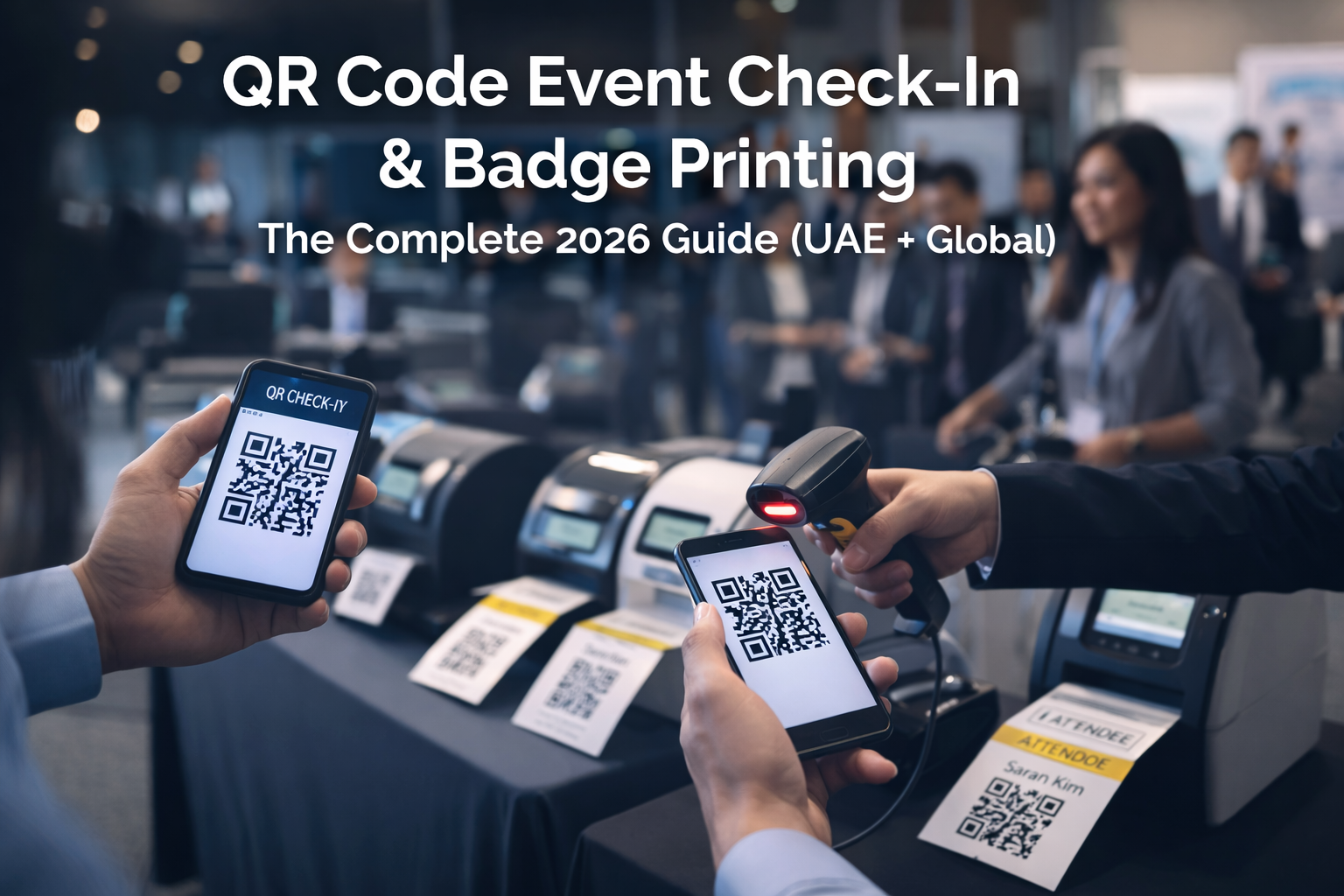
QR Code Event Check-In & Badge Printing: The Complete 2026 Guide (UAE + Global)
If your event check-in has one queue, you’re betting your entire attendee experience on “no exceptions.”
In real life, exceptions happen: wrong email, name edits, walk-ins, badge reprints, VIP handling, payment issues, scanner delays.
This guide shows you the exact onsite setup that keeps the line moving: QR code check-in + badge printing, with a two-lane system, a clean badge workflow, and a contingency checklist you can hand to your operations team.
1. What “QR code event check-in” actually means (and why it’s faster)
A QR check-in flow is simple:
- Attendee registers online
- They receive a confirmation + QR code
- At the venue, staff scans the QR code
- System marks them as “checked in”
- Badge prints instantly (or is picked up pre-printed)
Why it’s fast: scanning is quick. The slow part is usually badge issues, not scanning.
2. The #1 rule: Separate the main flow from exceptions (Two-Lane Check-In)
This is the highest-impact improvement you can make.
Lane A - Fast Entry (QR Scan → In)
Only for attendees who have:
- QR ready
- Correct name/company/title already
- No edits needed
Lane B - Help Desk (Fix → Then Check-In)
For:
- No QR / can’t find email
- Wrong details (name/company/title)
- Onsite edits
- Badge reprints
- Special cases (VIP, staff, speakers if not pre-printed)
✅ One rule that saves events: Lane A never handles edits.
If you also have paid walk-ins, add:
Separate Table - Walk-ins (Register + Pay + Badge)
3. “Line Splitter” micro-role (tiny change, huge results)
Assign one staff member as a “Line Splitter” at the start of the queue.
They ask one question:
“Do you have your QR ready?”
- Yes → Lane A
- No → Lane B
This prevents 10 small issues from collapsing your entire line.
4. Badge printing: what actually causes delays
The scanner is rarely the bottleneck. Badges are.
Common badge slowdowns:
- Too many fields (name + long company + long title)
- Fonts too small → people squint/tilt badges → congestion
- Printing at the wrong station (reprints mixed with first-time printing)
- Printer/paper issues with no backup plan
5. Badge setup best practices (clean + readable + fast)
Keep badge fields minimal
Use:
- Name (large)
- Company (medium)
- Type (VIP / Speaker / Sponsor / Attendee)
Avoid:
- Full job titles if they’re long
- Multiple lines of tiny text
Pre-print what you can
Pre-print:
- VIP
- Speakers
- Sponsors
- Staff
And keep a reprint lane separate.
6. Hardware checklist (don’t skip this)
Minimum recommended per 200–400 attendees/hour (adjust to your peaks):
Per lane (Lane A):
- 1 scanning device (phone/tablet)
- Stable Wi-Fi or hotspot backup
- 1 badge printer (if printing on the spot)
- Power strip + extension
Help Desk (Lane B):
- 1 laptop/tablet for searching/editing registrations
- 1 badge printer dedicated to fixes/reprints
Always bring backups:
- Extra paper/labels + ink/ribbon (depending on printer type)
- Spare printer (or at least spare power cable)
- Spare phone/tablet charger
- Mobile hotspot
7. The onsite workflow (step-by-step operational plan)
Before doors open (60–90 min)
- Test scanners (camera permissions + QR recognition)
- Print 10 test badges
- Confirm event list sync is correct
- Set signage for Lane A / Lane B / Walk-ins
- Brief staff: Lane A never edits
Doors open
- Line Splitter starts triage
- Lane A runs scan-only
- Lane B fixes + then checks in + prints
- Monitor peak minute windows (first 30–45 minutes)
During peak
- If Lane B grows: pull 1 staff from Lane A to Help Desk temporarily
- If printing slows: switch to “scan now, print at pickup” for general attendees (temporary relief)
8. What to measure (so you improve every event)
Track these in real-time (or right after):
- Check-ins per minute by time window
- Peak load periods (queue risk windows)
- % of attendees needing help desk
- Top reasons for exceptions (no QR, wrong email, edits, reprints)
- Badge reprint rate
- Average time per Lane A scan vs Lane B fix
Your goal: reduce exceptions by fixing the upstream cause:
- cleaner registration form fields
- clearer email delivery
- better “bring your QR” reminder messages
- pre-printed VIP/speaker badges
9. FAQ (quick answers people search)
Is QR code check-in secure?
It can be, if QR codes are unique per attendee and check-in status is tracked live. For higher-security events, combine QR with ID verification or staff approval rules.
Do I need internet for QR check-in?
Usually yes. If your venue Wi-Fi is weak, bring a hotspot backup. Some setups support offline scanning + later sync, but you must test this before event day.
What’s the fastest setup for a conference check-in?
Two lanes (scan-only + help desk), clean badge fields, pre-print VIP/speakers, and backups for printers/paper/power.
Final checklist (copy/paste for your ops team)
- Lane A = scan-only, no edits
- Lane B = fixes + reprints
- Line Splitter at queue start
- Pre-print VIP/speakers/sponsors
- Badges: name + company + type (keep it readable)
- Spare paper/ink + backup printer plan
- Hotspot backup
- Test scans + test prints before doors open
- Track exceptions + peak times for next event
Want to see a QR check-in + badge printing setup in action?
If you want your registration → check-in → engagement → reporting in one connected flow, book a demo.