Event App Agenda Strategy (2026): How to Build an Agenda That People Actually Use
A practical 2026 guide for event teams: how to structure tracks, sessions, speakers, rooms, and updates so attendees actually open your agenda, save sessions, and show up.
Event App Agenda Strategy (2026): How to Build an Agenda That People Actually Use
Most agendas don’t fail because the content is bad , they fail because they’re built like a spreadsheet instead of a mobile experience.
If attendees can’t quickly answer “What’s next for me?”, they stop using the agenda. Then you get the classic problems: missed sessions, crowded rooms, repeated questions at info desks, and low engagement even when the program is strong.
This playbook shows you how to design an agenda that attendees actually open, trust, personalize, and follow , especially inside an event app.
1) What “agenda adoption” really means (and why it matters)
Agenda adoption = attendees using the agenda as their navigation system.
A usable agenda helps attendees:
- discover the right sessions
- build a personal schedule
- find rooms quickly
- handle last-minute changes confidently
A usable agenda helps organizers:
- reduce “where do I go?” questions
- spread attendance more evenly
- improve speaker/session satisfaction
- measure what worked (and what didn’t)
2) Why attendees ignore agendas (the real reasons)
Here are the most common agenda killers:
A) It’s not scannable on mobile
- long session titles
- unclear tracks
- inconsistent time formatting
- too many blocks without filters
B) It doesn’t help people decide
Attendees skip sessions when descriptions don’t explain:
- who it’s for
- what they’ll learn
- what they’ll leave with
C) It changes too often (and loses trust)
If rooms/times change repeatedly without clarity, attendees stop trusting the app.
D) The agenda is missing “human context”
No speakers, no outcomes, no format, no room/level tags , so people can’t choose.
3) The 4 agenda structures that work (pick the right one)
A) Single-track agenda (best for summits / simple programs)
- one main session at a time
- minimal choice fatigue
- easiest to communicate and keep accurate
B) Multi-track agenda (best for conferences)
- 2–7 tracks max (more than that becomes noise)
- requires strong filters and tags
- needs conflict handling (“choose one” moments)
C) Agenda + expo-first (best for exhibitions)
- agenda supports learning, but expo flow is central
- you must intentionally block “expo time” so people actually visit booths
D) Workshops + controlled access (best for paid tickets / training)
- sessions have access levels (VIP, ticket type, workshop seat)
- you’ll need better rules + clear labels to avoid onsite disputes
4) Build your agenda like a product (5 core building blocks)
A usable agenda is not just “time + title”.
Think in 5 objects:
1) Time blocks
Keynotes, breaks, meals, expo hours, networking, workshops.
2) Sessions
The item attendees choose to attend.
3) Speakers
People attendees follow, search, and trust.
4) Locations
Venue → building → floor → room (must match signage exactly).
5) Tags (your navigation engine)
Tracks, topic, format, audience level, language, “beginner/advanced”, “panel/workshop”.
If your agenda has these five cleanly, it becomes:
- filterable
- searchable
- personalizable (“My Schedule”)
- easier to update safely
5) Tracks + tags: the simplest setup that wins
Track best practices
- Keep tracks between 3 and 7
- Give each track a clear promise (who it’s for)
Examples:
- “Operations & Logistics”
- “Marketing & Growth”
- “Leadership”
- “Product & Innovation”
Tag best practices
Use tags to add detail without creating too many tracks:
- Topic: AI, Sustainability, Retail, Healthcare
- Format: Panel, Workshop, Fireside
- Audience: Beginner, Intermediate, Advanced
- Language: EN / AR / FR
Avoid tag chaos: use a controlled list (no duplicates like “AI” vs “A.I.”).
6) Session titles that work on mobile (2-second rule)
On mobile, titles must be understood fast.
Better title formula
Outcome + specificity + audience
- “Reduce Check-In Lines: A 20-Min Setup Checklist”
- “Exhibitor Leads That Convert: Follow-Up in 48 Hours”
- “Build a Registration Flow That Reduces No‑Shows”
Titles that usually fail
- “Panel Discussion”
- “Keynote”
- “Workshop”
Those describe the format , not the value.
7) Session descriptions that help decisions (copy/paste template)
A good description answers four questions quickly:
- Who should attend?
- What will I learn?
- What will I leave with?
- What format is it?
Simple description template
Who it’s for:
What you’ll learn:
Takeaways:
Format:
Keep it short. If it’s too long, nobody reads it.
8) Make “My Schedule” the main experience (this drives adoption)
Attendees don’t use “the agenda.” They use their agenda.
Your event app agenda should make it easy to:
- favorite sessions
- build a personal schedule
- see conflicts clearly
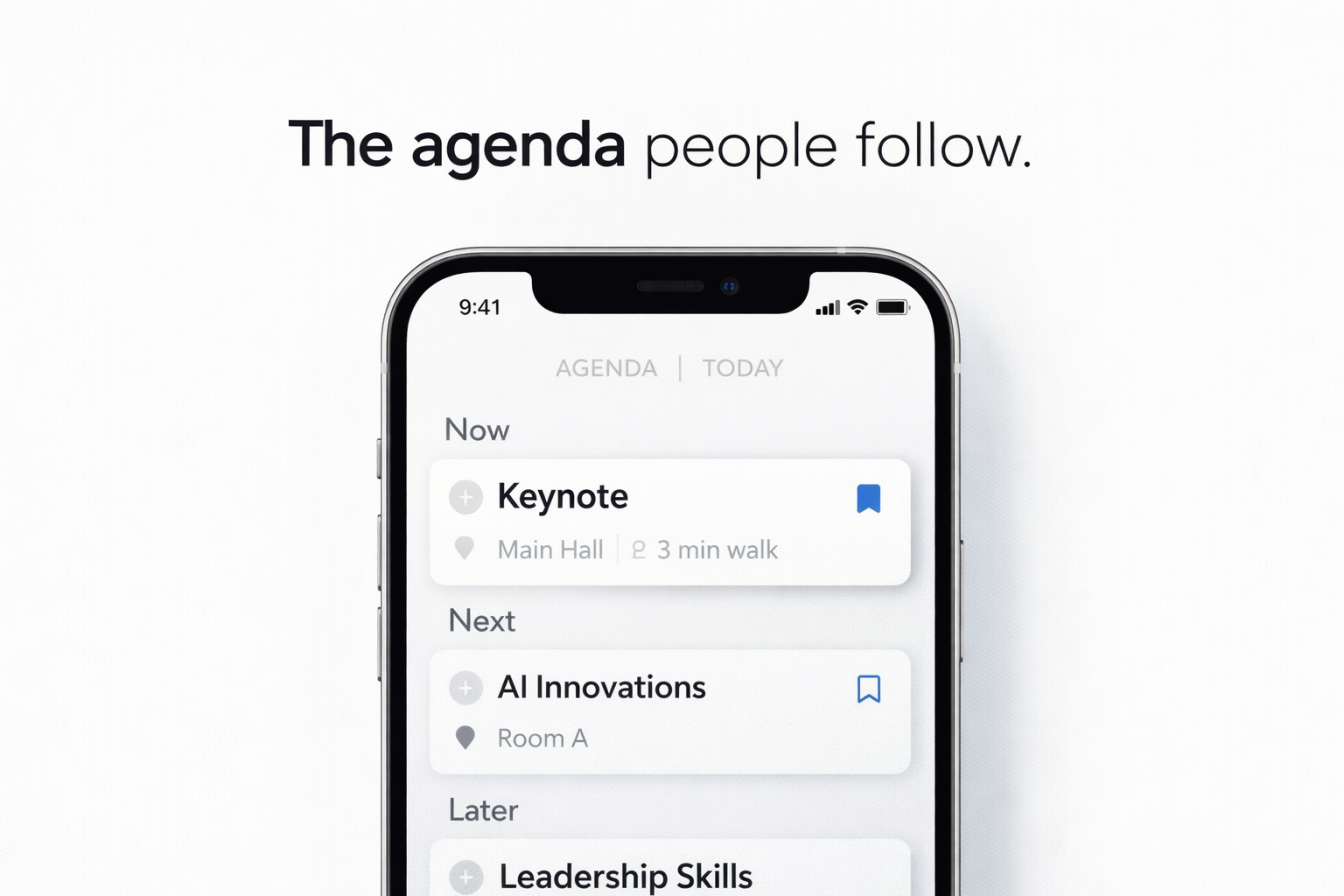
- view “Now / Next” during event days
If you want higher adoption: make “My Schedule” prominent (top nav or home shortcut).
9) Agenda accuracy rules (how to prevent onsite confusion)
Most “agenda problems” are actually data quality problems.
Create rules like these
- Room names must match venue signage exactly.
- Time format is consistent everywhere.
- Tracks/tags must come from a controlled list.
- Speakers must have at least: name, title, company, short bio.
Add a “freeze window”
Example:
- No non-critical agenda edits in the last 24 hours
- Only critical changes allowed (speaker cancellation, room capacity issue)
This protects attendee trust.
10) Notifications: use them without annoying attendees
Notifications can increase attendance , but only if they are targeted and limited.
Use notifications for:
- “Starts in 10 minutes” (only for favorited sessions)
- room changes (critical)
- doors open reminders
- one daily “highlights” message (optional)
Avoid:
- blasting everyone for every update
- 6+ notifications per day
A good guideline for most events: 1–3/day max, unless there’s disruption.
11) Track what matters (agenda KPIs)
If you have app insights, track:
Adoption
- % who opened the agenda
- % who saved/favorited at least 1 session
- % who built a schedule
Interest vs reality
- sessions with high saves (demand)
- sessions with low engagement (weak titles/descriptions or wrong audience)
Operational signals
- sessions with repeated changes
- rooms that consistently overfill (capacity mismatch)
These KPIs tell you what to fix next time.
12) Mini checklist (print this for your team)
Before publishing
- ✅ 3–7 tracks max
- ✅ tags controlled (no duplicates)
- ✅ titles short + outcome-based
- ✅ descriptions include who/what/takeaways
- ✅ rooms match signage
- ✅ speakers complete
- ✅ “My Schedule” enabled and obvious
Before doors open
- ✅ freeze window activated
- ✅ “Now / Next” view tested
- ✅ change process defined (who edits + who approves)
- ✅ notification rules agreed
During event
- ✅ critical changes communicated clearly
- ✅ avoid constant micro-edits
- ✅ monitor top sessions + capacity issues
Conclusion
A great agenda is not just a schedule , it’s the navigation system of your event.
When the agenda is scannable, filterable, trustworthy, and personal, attendees use it naturally. That improves session attendance, reduces onsite confusion, and gives you better analytics for your next event.
If you want to see an example agenda setup inside an event app (tracks, tags, “My Schedule”, notifications, and insights), you can pair this with your event app workflow and analytics.
Want to see a real agenda flow for your event type?